Boost your knowledge and skills with Graitec’s free ADVANCE Design webinars – Register here
Advance Design is a mature and easy to use FEM Structural Analysis solution dedicated to structural engineers operating in a BIM environment.
It fully designs any type of structure, with any kind of loads, mixing concrete, timber and steel members. It includes major code standards (Eurocodes / North American).
Below you will find 10 unique reasons why it is good to get familiar with Advance Design software.
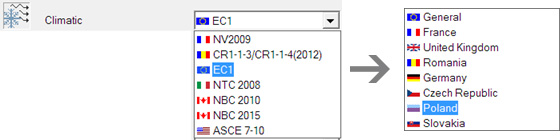
Reason 1 – Best in Class 3D Climatic Generator
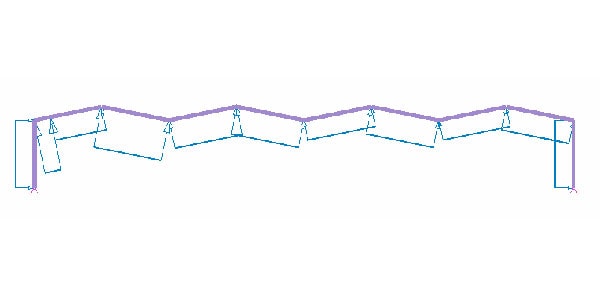
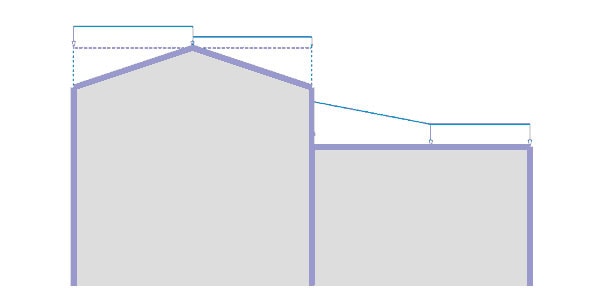
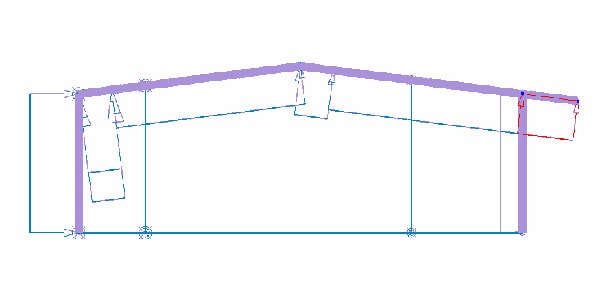
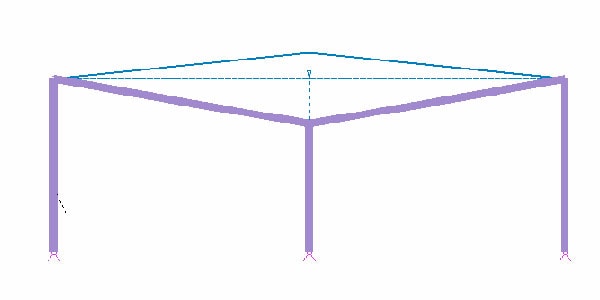
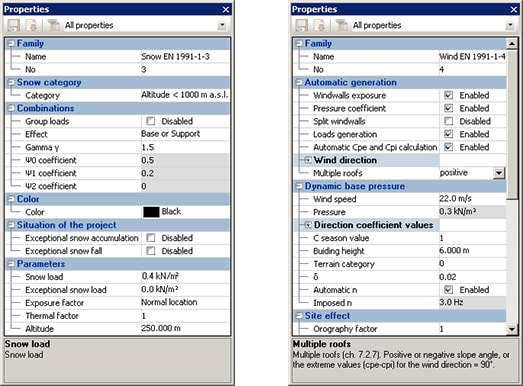
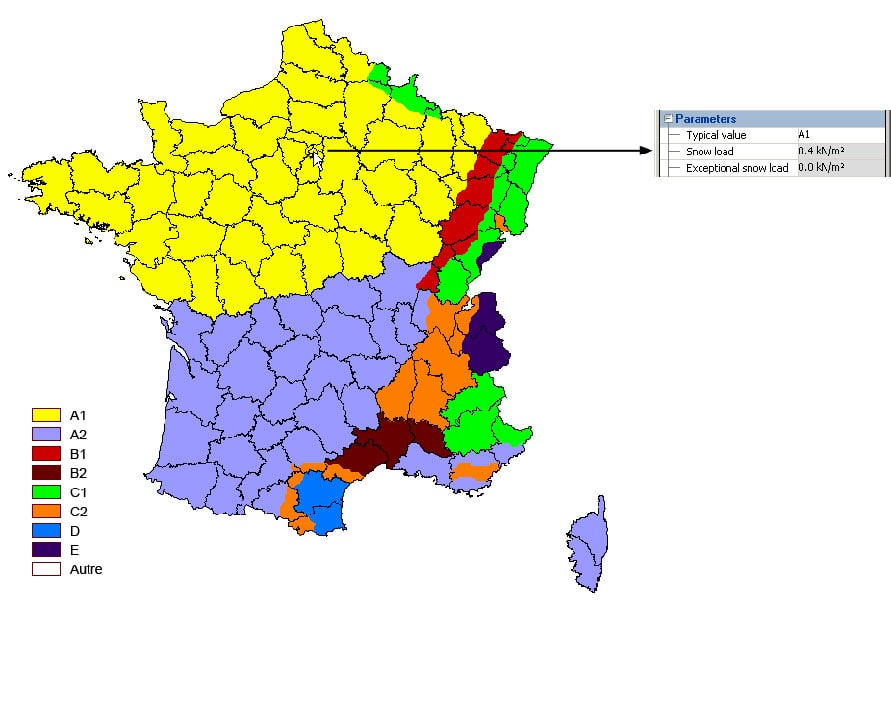
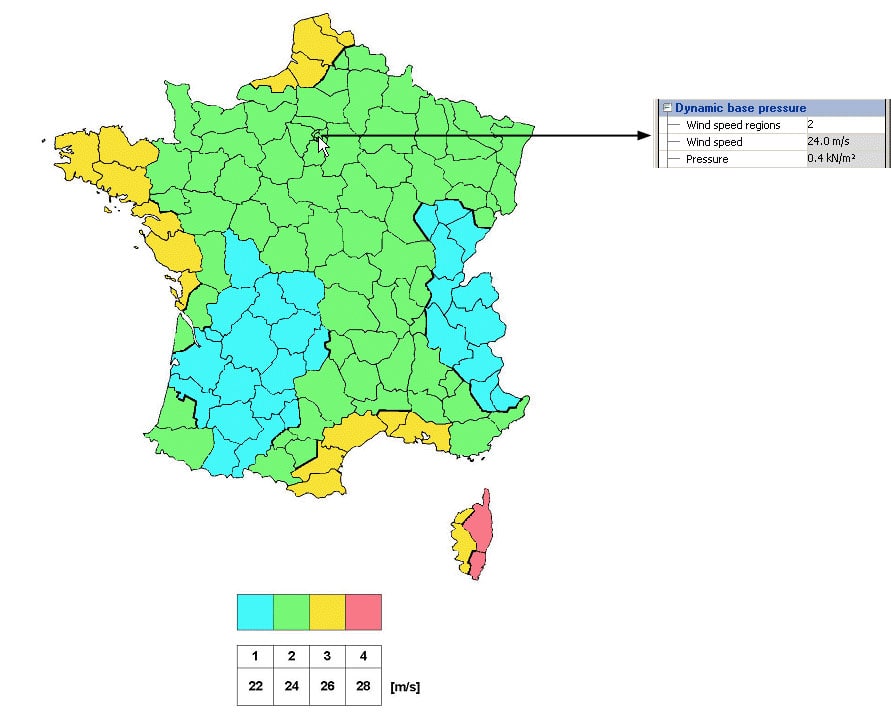
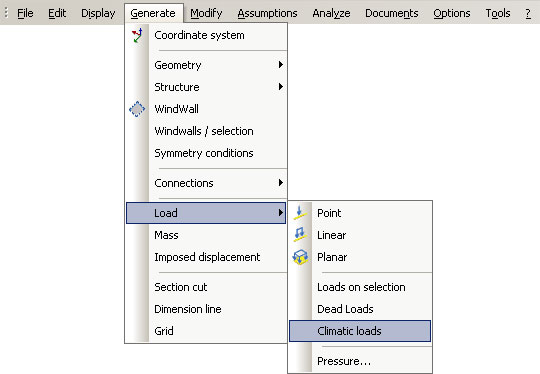
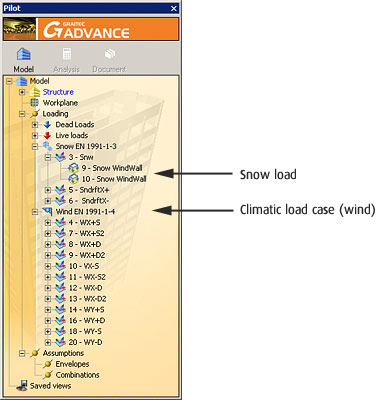
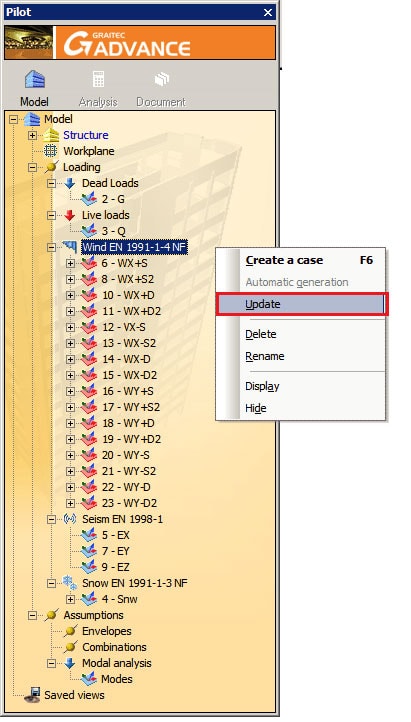
Quickly generate all 2D/3D climatic loads according to the latest updates of Eurocodes and North American codes.
Reason 2 – BIM Solution
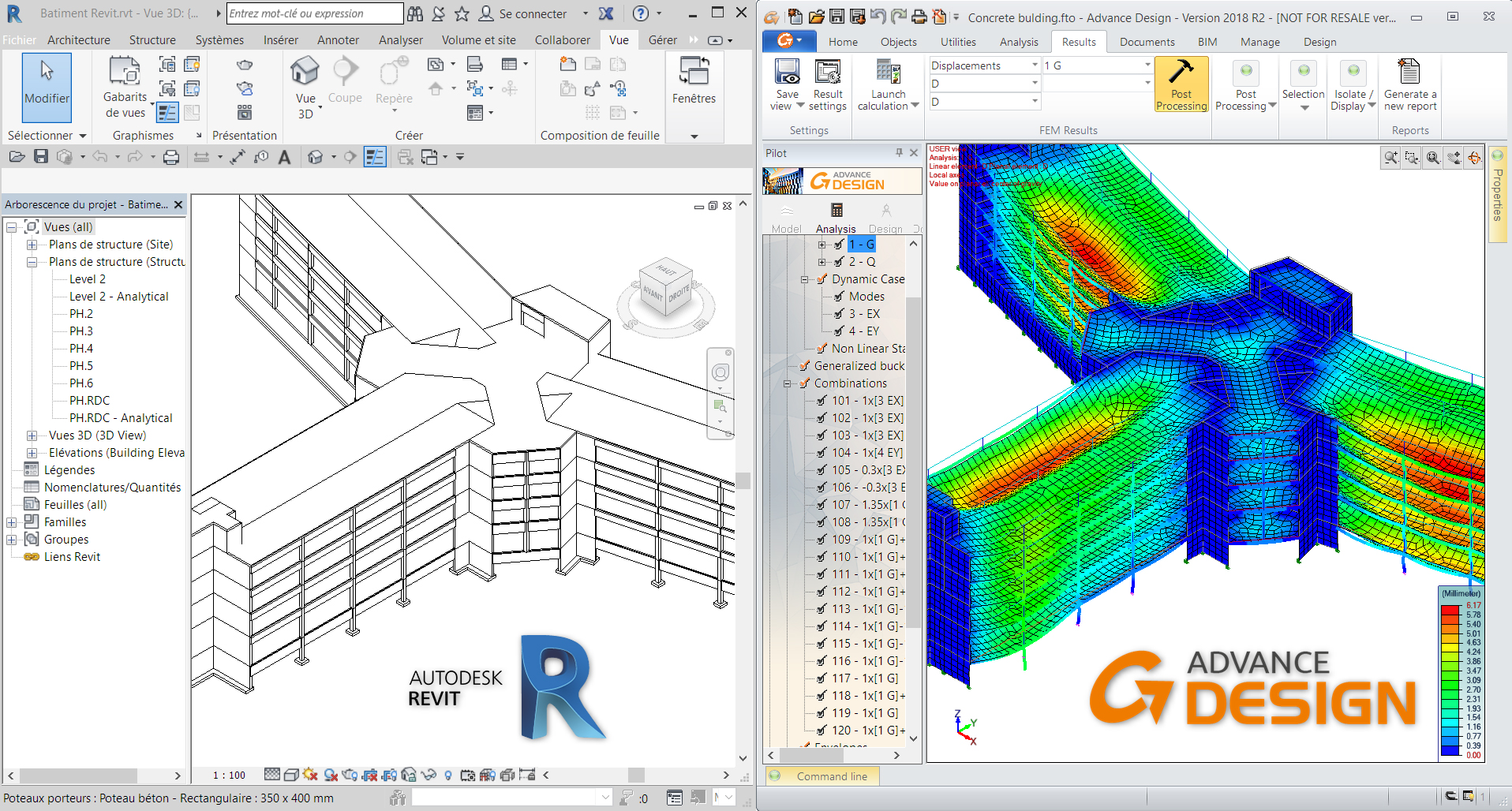
Advance Design is part of an entire structural BIM workflow and links with Autodesk Revit and Autodesk Advance Steel for importing, exporting and synchronising projects.
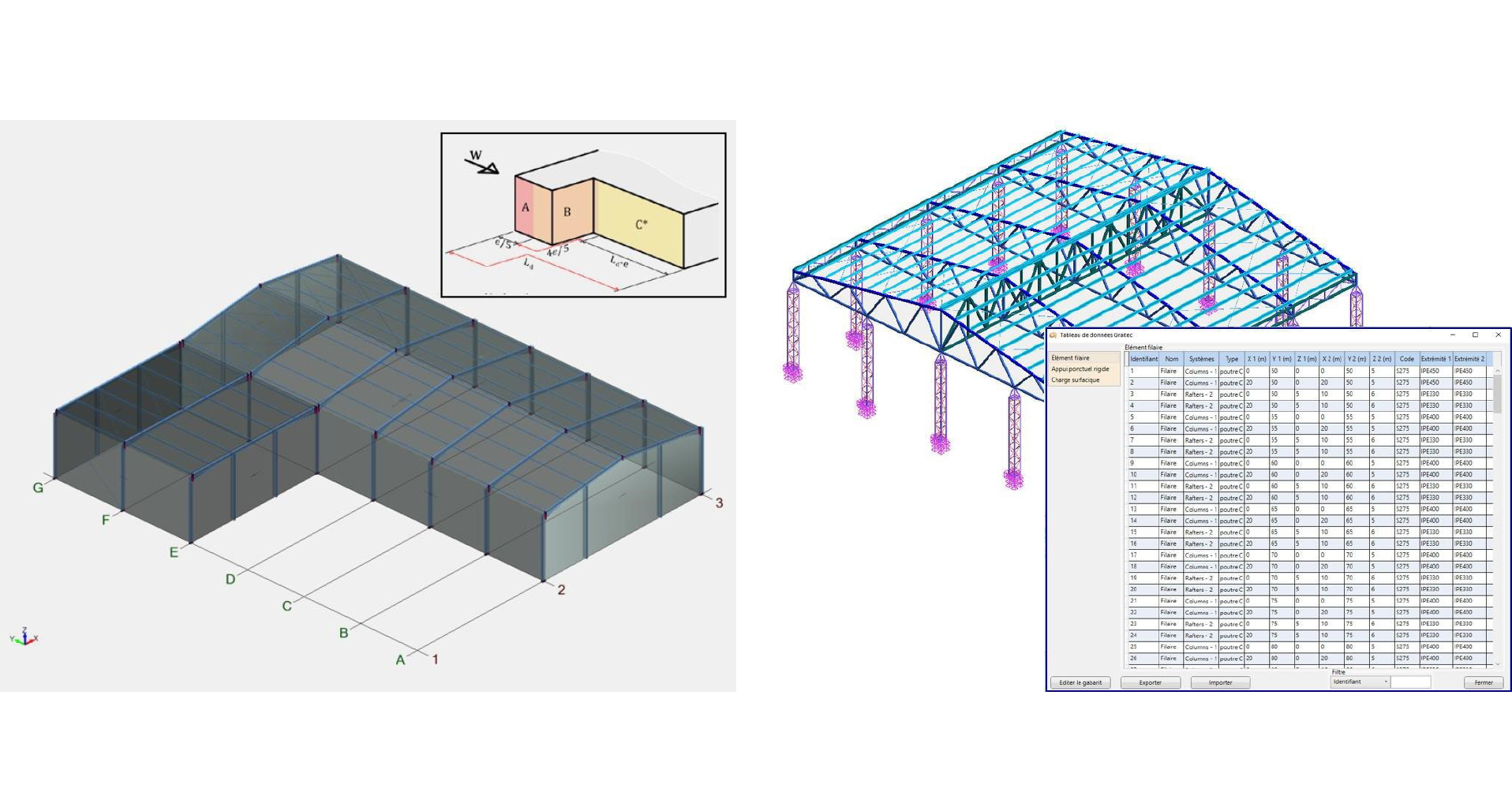
Reason 3 – Model Management through Interactive Tables
Easily manage your model from interactive tables and access the data within Excel.
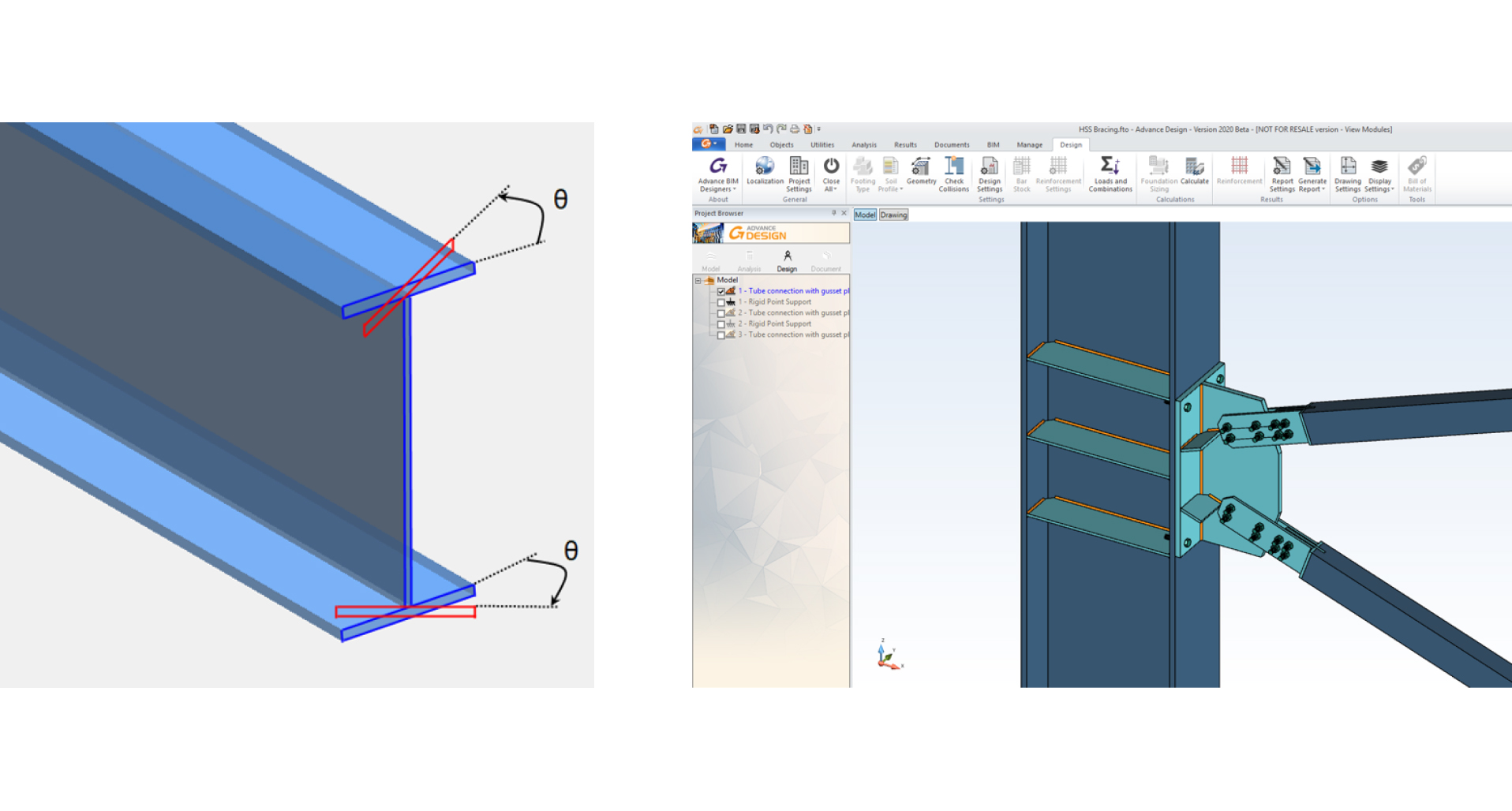
Reason 4 – 2nd Order Lateral-Torsional Buckling Analysis
Calculate stability of members with any cross section considering initial imperfections and warping.
Reason 5 – Broad number of Steel Connections
Design welded or bolted connections using analytical formulas or advanced FEM calculations using ADC.
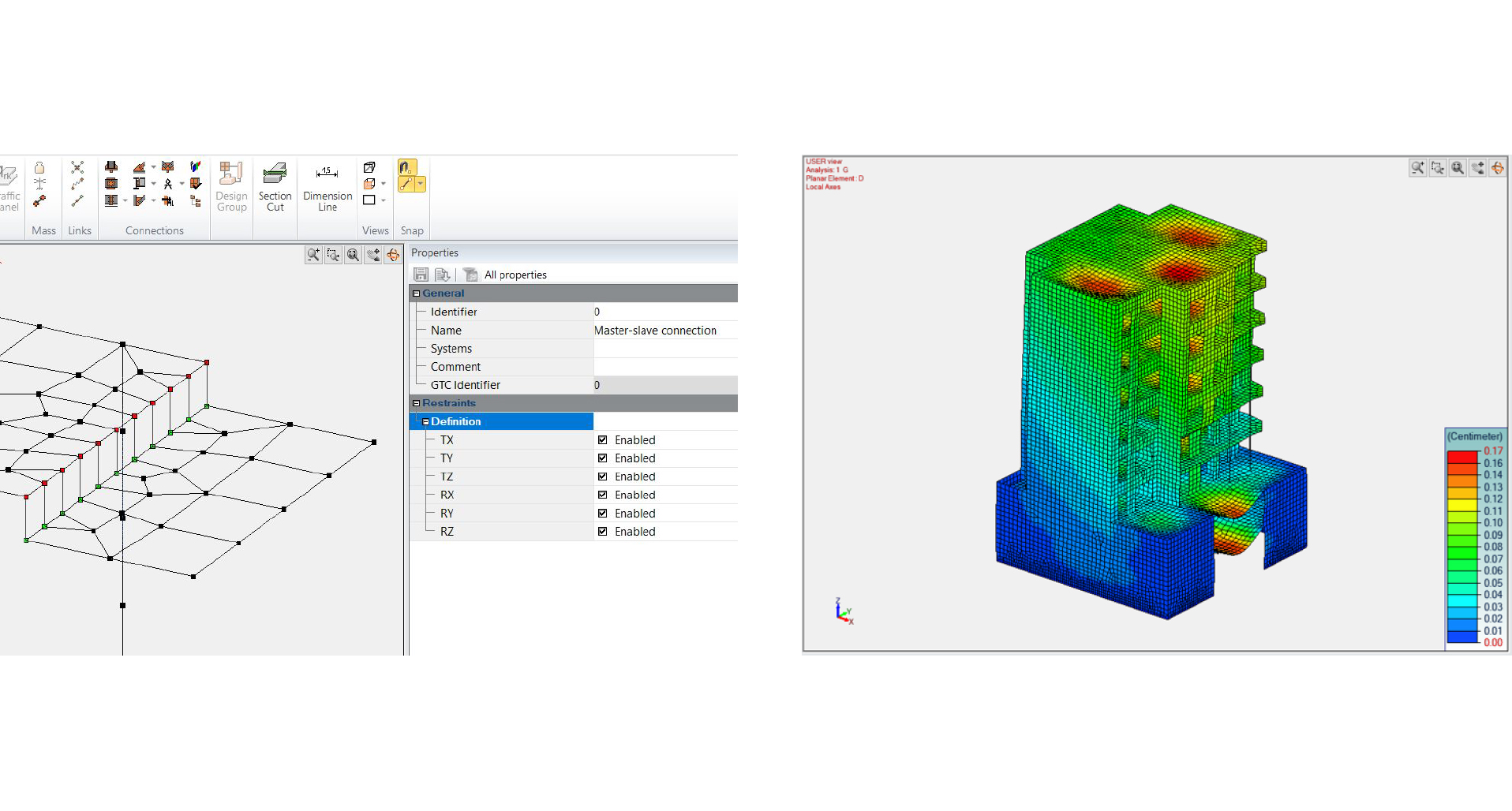
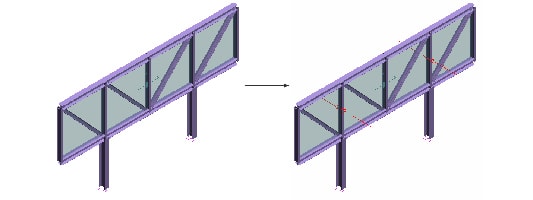
Reason 6 – Master-Slave Analytical Links
Analytical links can be defined right from the modelling stage and will stay updated when iterating calculations.
Reason 7 – Methods for Seismic Analysis
Save computation time by using the RITZ solver for modal, seismic and time history analysis.
Reason 8 – Steel Members Optimisation
Optimisation of steel members is enhanced according to predefined criteria allowing you to optimise an entire project in minutes.
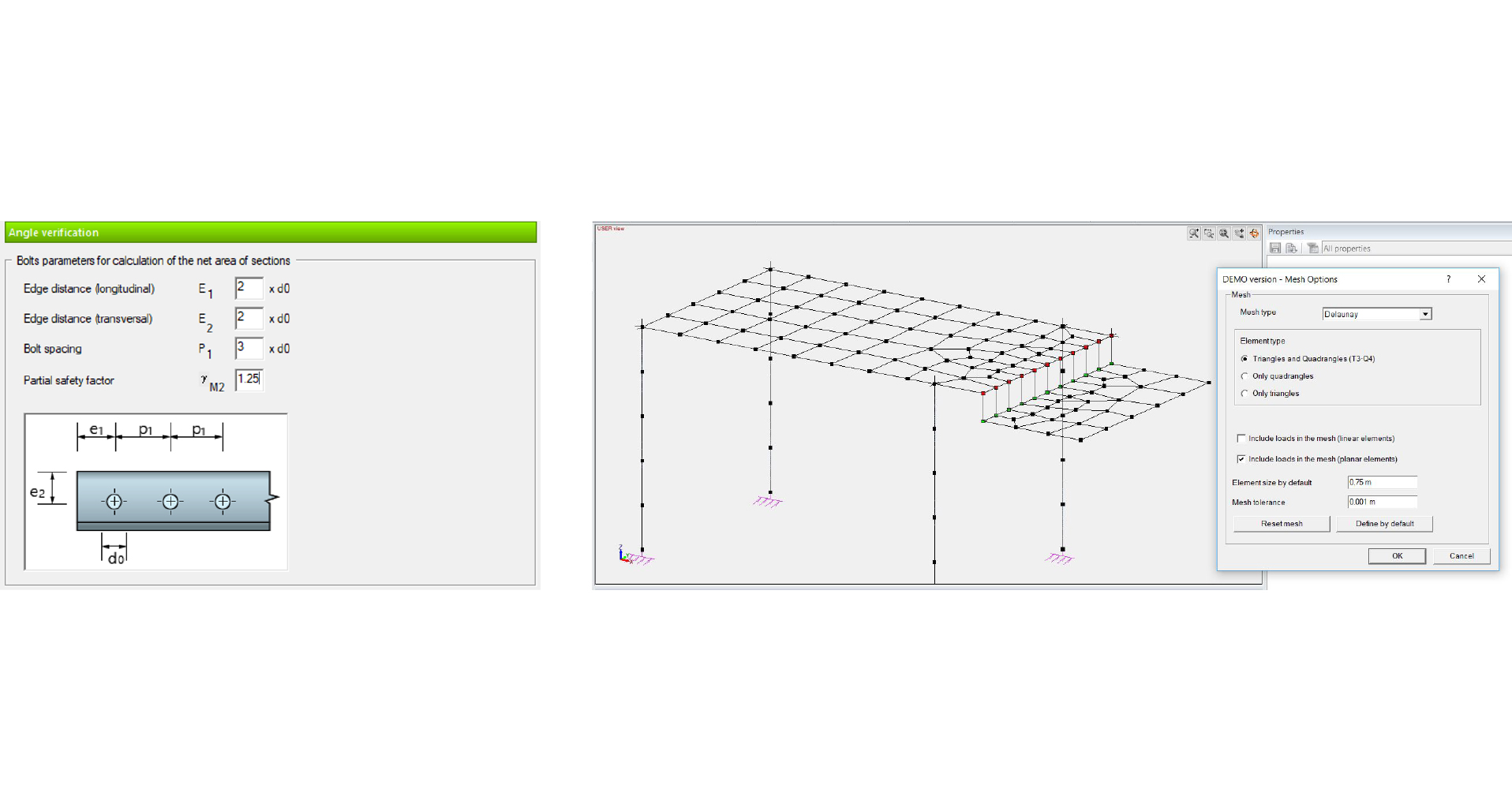
Reason 9 – Advanced Meshing Capabilities
Use an enhanced and powerful meshing engine to reď¬ne meshes whilst considering geometrical constraints.
Reason 10 – Advanced Reports
Customise parametric reports and have these automatically update, saving hours of time when it comes to generating technical documentation.
If you want to learn more about Advance Design, join Advance Design Week – free webinars sessions from 19 till 23 of October!
Are you structural enginner? Are you doing construction projects ? You want to improve in following areas?
– Complex projects with advanced analyses
– Complex design for concrete and steel structures
– BIM Workflow
– Multi-material projects
– Designing international projects
– Steel connection design
– Modeling complexity
and many, many more…
If YES, join Advance Design Week and boost your knowledge and skills with free webinars provided by our professionals!
If you are Advance Design User – Gain priceless knowledge about ADVANCE Design and be the first to know about the new features during Advance Design User Summit 2020!
Dear Advance Design users,we would like to thank you for being a Graitec customer and creating great, innovative and complex projects using our software. Maintaining a positive relationship with you is crucial for us, as is developing the new functionalities of our software according to your needs and indications.
In order to thank you for your loyalty, we would like to invite you to our Advance Design User Summit 2020 – an event where you will have the opportunity to gain advanced technical knowledge provided by our professionals, as well as to learn about the upcoming novelties in Advance Design software.
We invite you to read the agenda and register your place!

 Civil Engineering Software Solutions